Cook Your Way Around the World
17 countries · more than 1,500 keto recipes · every chapter opens at a famous place, from a São Paulo market to a Seoul palace to a castle in Kraków, with the history and traditions behind the food. Tap a cover to start the journey.
New to keto? Our free Start Here guide shows why most people quit, how to avoid it, and five easy steps to your first week.
Start here →Walk the streets where each dish was born
Every chapter of every cookbook opens at a real landmark, and one tap drops you right there in Google Street View. Cook the food, then stroll the market, square or harbor it came from. It’s not just a cookbook. It’s a trip.
Try it: stand outside the Colosseum → Then tap any cover below and look for the Walk There buttons.
 Brazilian Keto Cookbook90 recipes — view table of contents
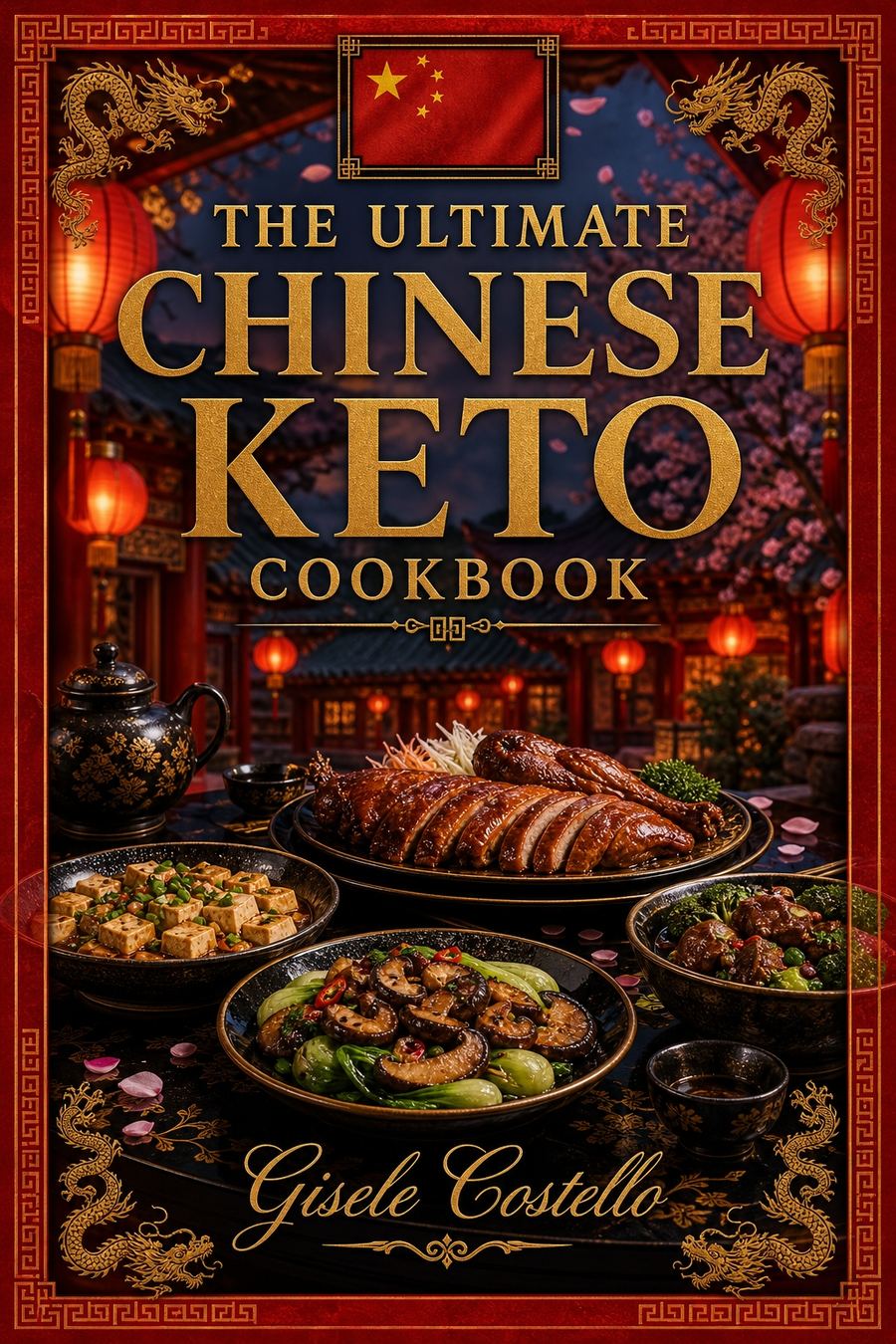 Chinese Keto Cookbook78 recipes — view table of contents
 East Africa Keto Cookbook78 recipes — view table of contents
 French Keto Cookbook78 recipes — view table of contents
 German Keto Cookbook78 recipes — view table of contents
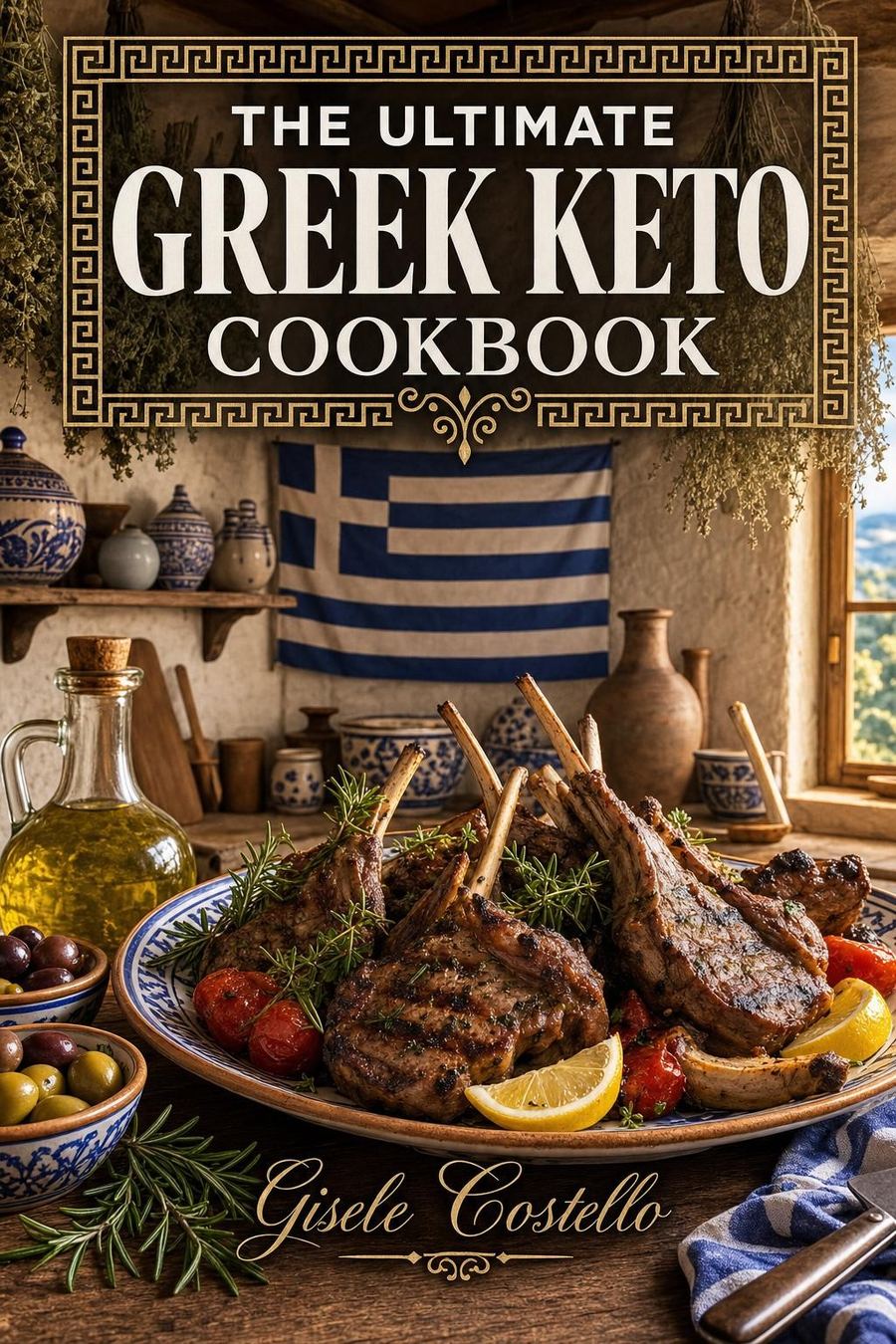 Greek Keto Cookbook70 recipes — view table of contents
 Indian Keto Cookbook78 recipes — view table of contents
 Irish Keto Cookbook117 recipes — view table of contents
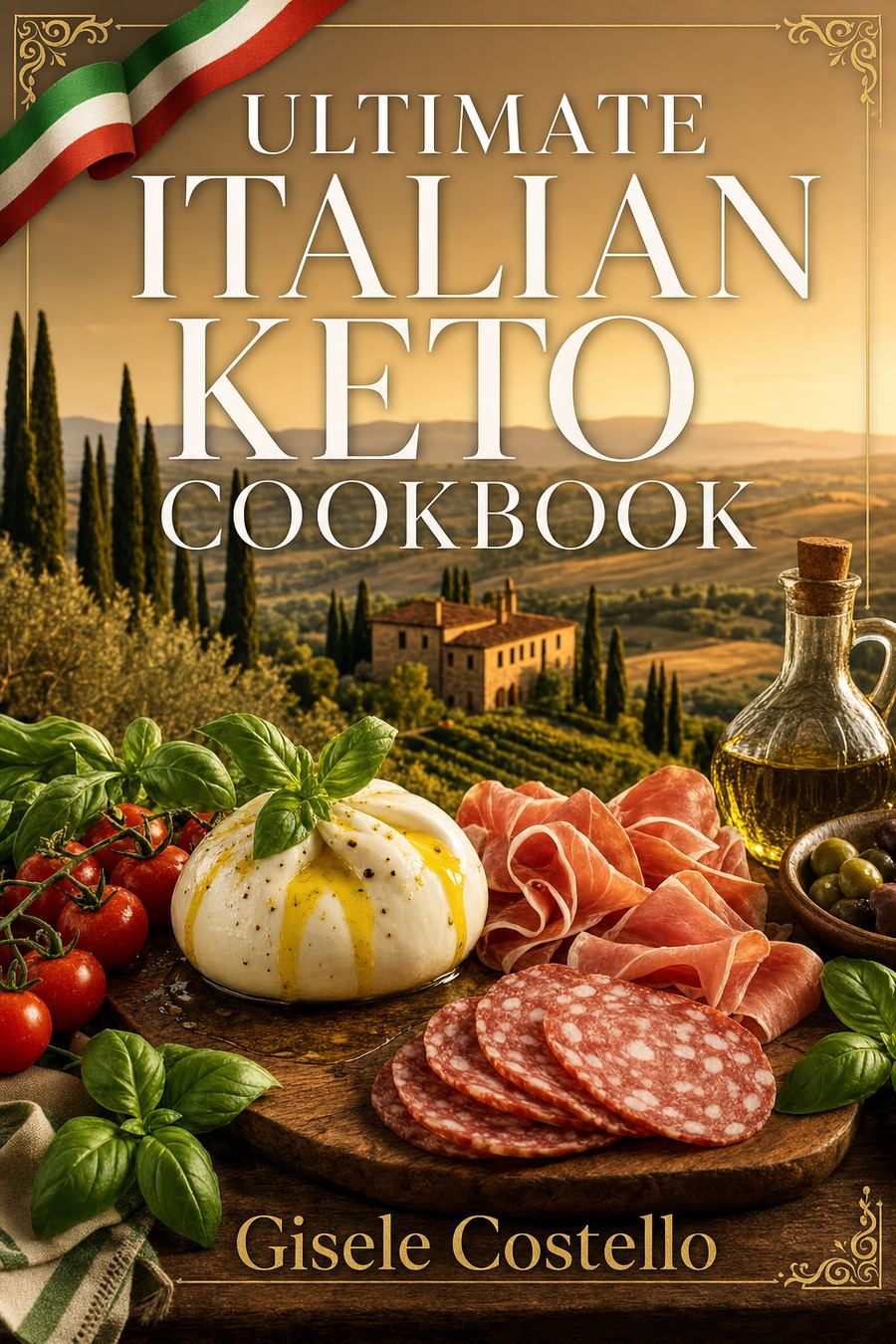 Italian Keto Cookbook111 recipes — view table of contents
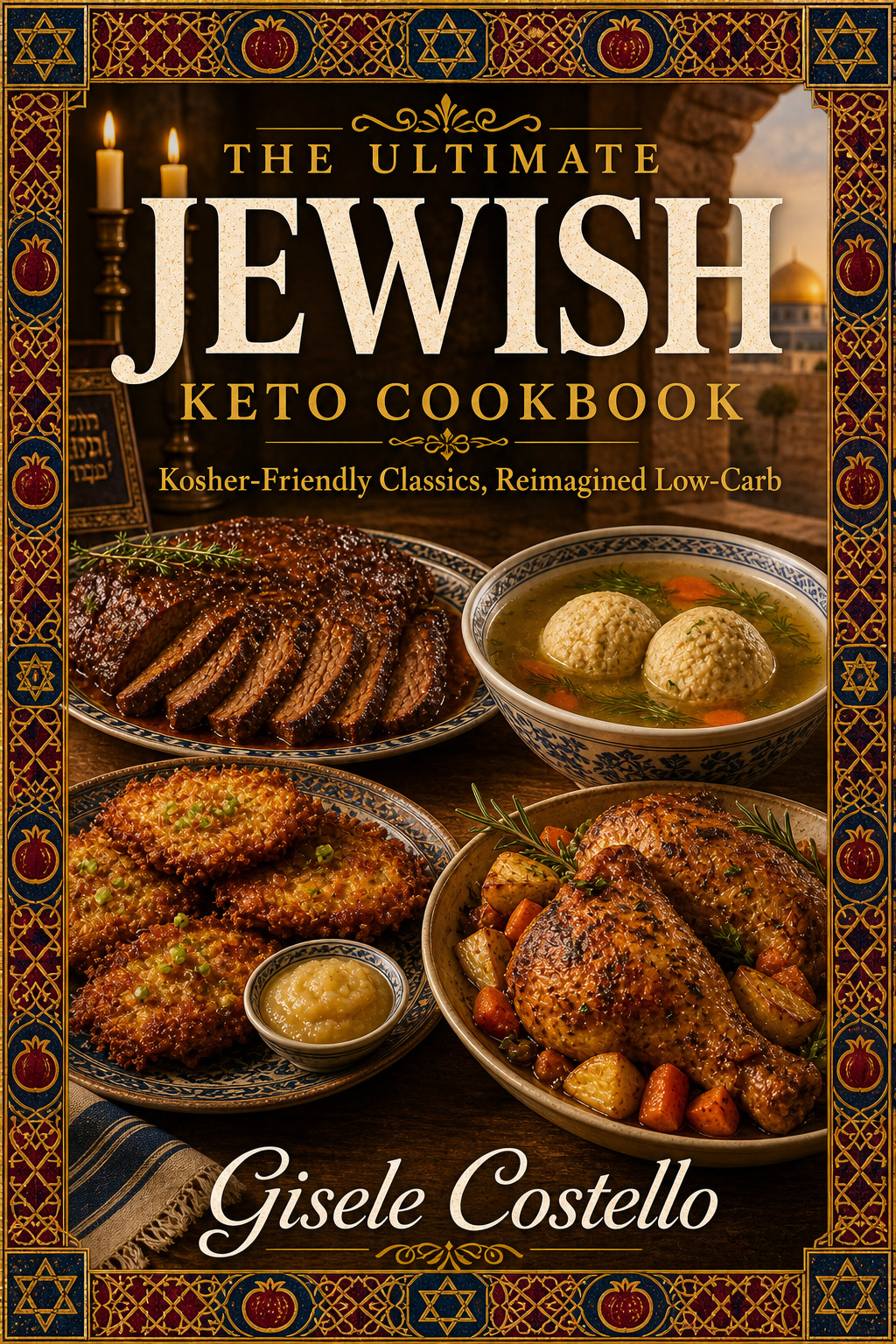 Jewish Keto Cookbook96 recipes — view table of contents
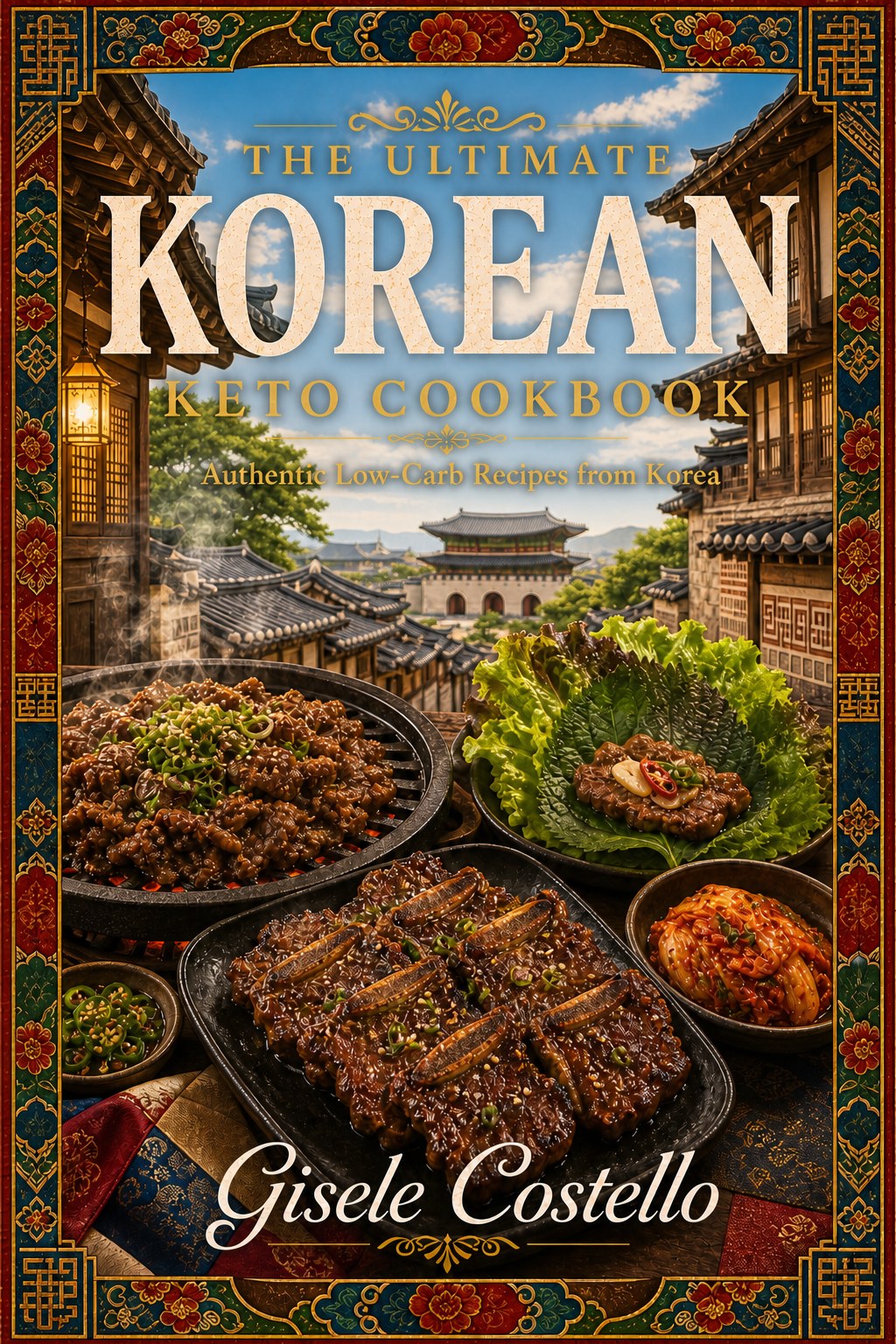 Korean Keto Cookbook90 recipes — view table of contents
 Mexican Keto Cookbook148 recipes — view table of contents
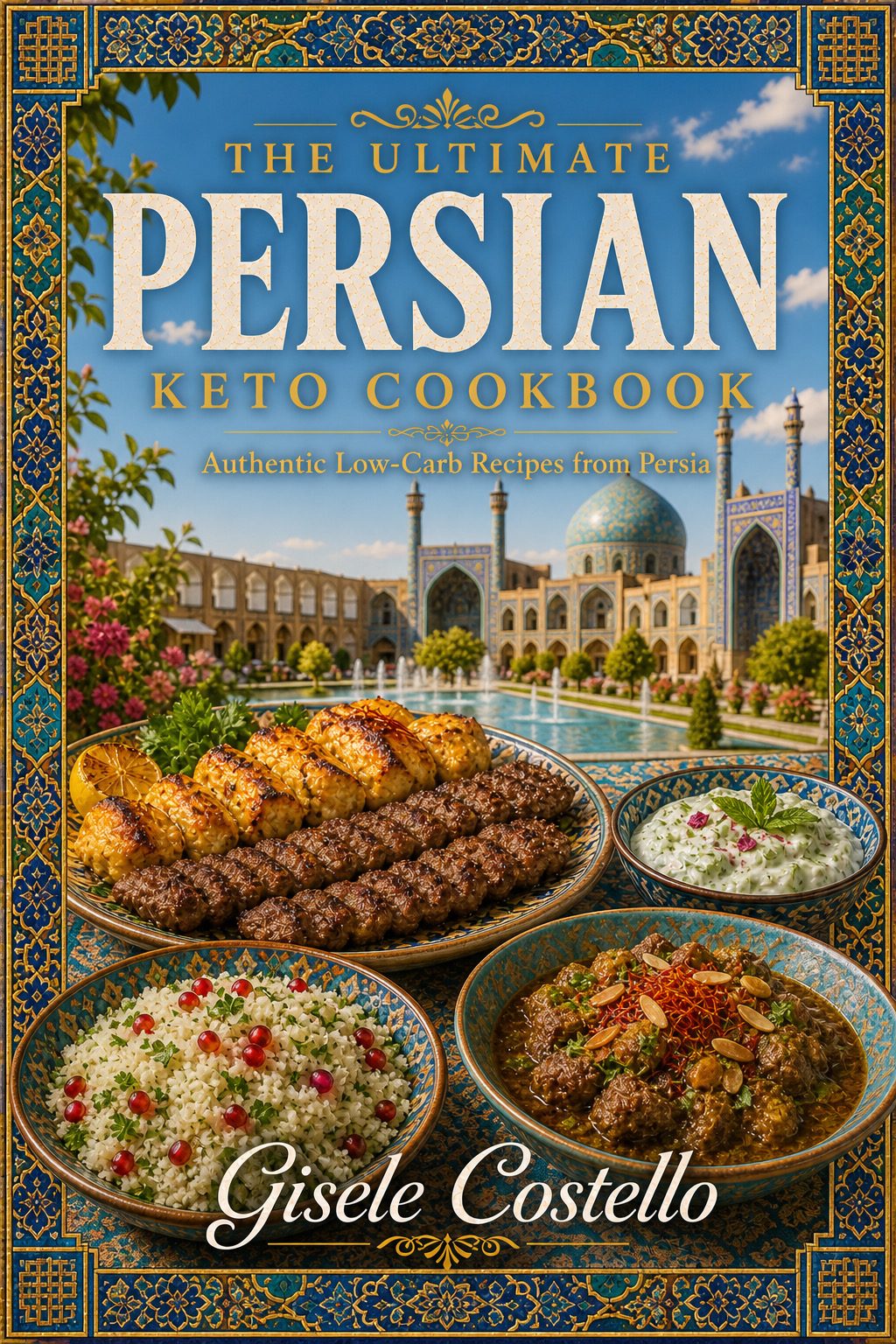 Persian Keto Cookbook100 recipes — view table of contents
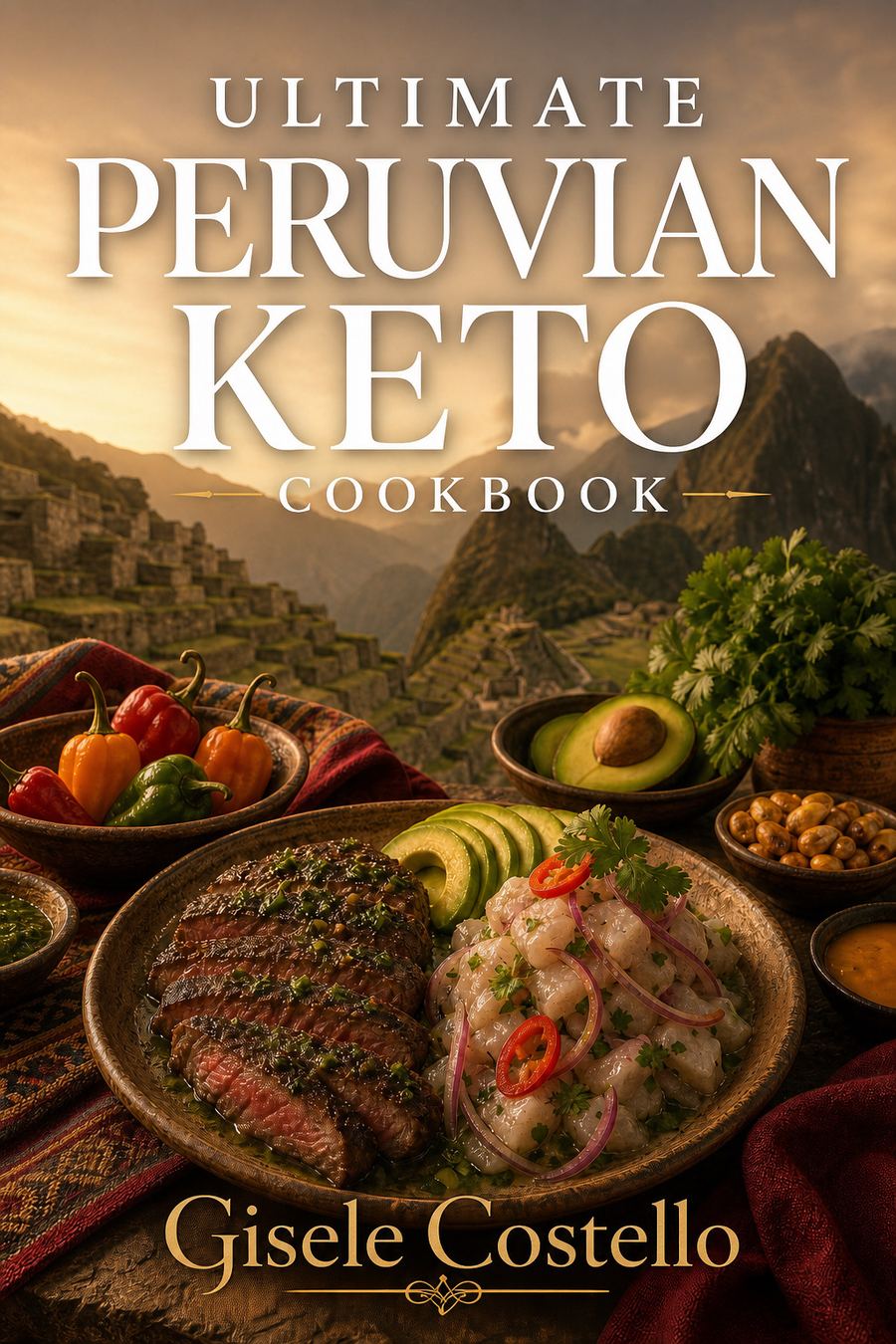 Peruvian Keto Cookbook74 recipes — view table of contents
 Polish Keto Cookbook93 recipes — view table of contents
 Soul Food Keto Cookbook90 recipes — view table of contents
 Thai Keto Cookbook78 recipes — view table of contents
Find Your Next Recipe
Tell us what you’re in the mood for and we’ll show you every matching recipe from all 17 cookbooks.
- Start with one or two choices, like a cuisine or the protein you have on hand.
- Each new row you use narrows the list. Two buttons in the same row (say Chicken and Beef) show you either one.
- Watch the numbers. Each button shows how many recipes you’ll get if you tap it. Greyed-out buttons would leave you with nothing, so they’re switched off.
- Spice, time and difficulty are optional extras. Save them for last, to trim a long list.